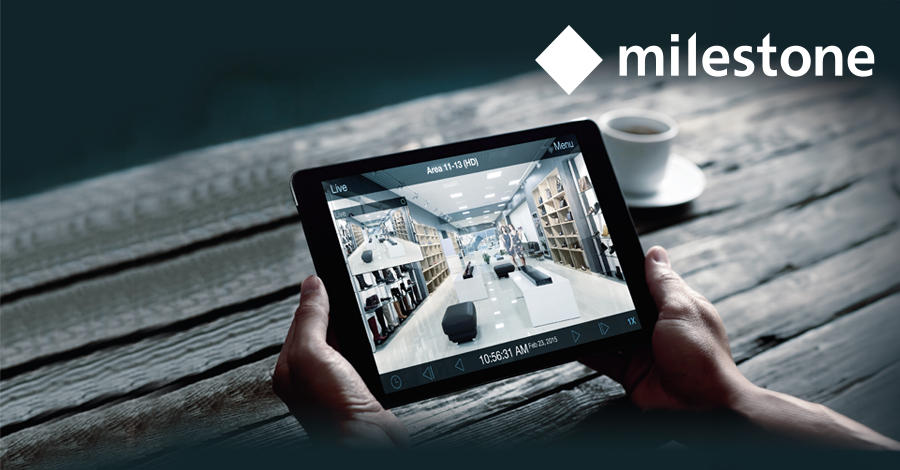
Milestone Professional Plus
Milestone Professional+ is the new and more advanced version of the classic Milestone Professional software. The installation and configuration differ significantly from the previous version. During this training, the software structure, installation principles, and the use of the Management Client and Smart Client are thoroughly explained. Special attention is given to the differences between the classic Milestone Professional and Milestone Professional+.
Agenda
- Overview of Milestone Professional+ and its positioning within the Milestone portfolio
- Comparison between classic Milestone Professional and Professional+
- Server structure and configuration principles
- Operation and use of the Management Client
- Operation and use of the Smart Client
- Basic camera configuration and recording settings
- Licensing model and limitations of trial installations
- Practical demonstrations and classroom discussion
Purpose
The goal of this training is to give participants an understanding of the structure, installation, and operation of Milestone Professional+. After completing the course, participants will understand how to set up the server and efficiently use the Management Client and Smart Client. They will also be able to clearly recognize the differences between the classic and new software and apply them in practice.
Terms and conditions for participation
- Participants should be familiar with basic concepts such as TCP/IP and basic camera settings (resolution, codecs, frame rate, shutter speed, etc.).
- As preparation, the free version Milestone Essential+ can be installed on your own laptop. Note that not all functionalities of Milestone Professional+ are available in this version.
- Milestone Professional+ server components cannot be installed using a 30-day trial. Therefore, the software will mainly be explained in the classroom, supplemented with practical demonstrations and client installations on participants’ laptops.
- Participants must bring a laptop with an Ethernet connection.
Who is this training suitable for?
This training is primarily aimed at installers. It is also relevant for IT professionals, IT consultants, product managers, and employees in technical sales roles.