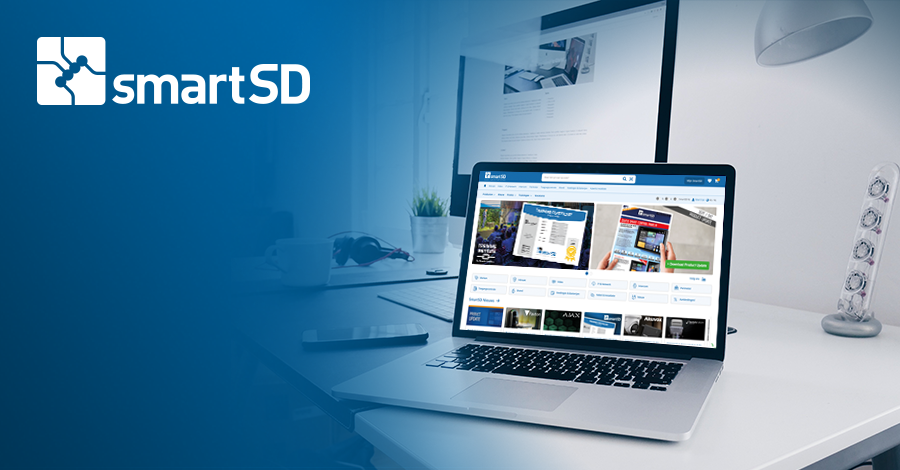
A redesigned SmartSD website
At SmartSD, we continuously improve our website to help you find the right products, documents and information more quickly. That is why we have revamped several sections, from the navigation and product categories to the search functionality.
Discover what's new
- A fresh look for the main menu
- Find products your way
- The improved search bar
- Improved product filters
- Clearer navigation with icons
- Athéna, our AI product assistant
- The redesigned My SmartSD environment
A fresh look for the main menu
The main menu has a fresh, modern look with simpler navigation. The Home and main groups bar has been removed, while Brands and Catalogue now take you directly to their respective overview pages. You’ll also find a new Our Brands page, displaying all brands in a clear tile layout.
Everyone searches differently. That's why our website offers three ways to explore the SmartSD product range:
- Brands
Easily discover the solutions and products from your favourite brands. - Catalogue
Browse our product range just like a traditional product catalogue. The categories and subcategories have now been reorganised to provide a better overview. Click here to view the new category structure as it appears on our website. - Filters
Explore our full product range by category and refine your selection using the available filters.
- Our redesigned, smarter search bar quickly finds relevant products and product groups using just a few keywords. You no longer need to enter the full product name or exact article number.
- Information and technical files for EOL products can also be found directly through the general search bar. Simply tick the following option in the search bar: 'Show EOL products'
- Have a product or package at hand? Use the barcode icon in the search bar to scan the barcode and quickly find the corresponding product.
Finding products has also become easier thanks to our improved filters. They are now clearer and more user-friendly, helping you find the right products more quickly and accurately.
Clearer navigation with icons
Product categories and search options are now displayed using clear, recognisable icons. This visual layout makes our product range easier to navigate and helps you select the right product group more quickly.
Meet Athéna, our AI product assistant
Have a question about the product you are viewing? Simply ask Athéna. The assistant helps you quickly find the available product information without having to search through all the documents and specifications yourself.
Your personal environment: My SmartSD
In My SmartSD, you can find all your personal details and the key features of your account conveniently gathered in one place. From this central hub, you have quick access to your orders, quotations, invoices, addresses, training courses and account details. You can also create shortcuts to your most frequently visited pages, upload your company logo and make use of various personalised features. This gives you everything you need in one place, allowing you to manage your account easily and efficiently.
Your feedback helps us improve
Have you noticed something that isn't working correctly, come across unclear information or have a suggestion for further improving our website? Let us know by emailing marketing@smartsd.com. Your feedback helps us continuously improve our website.